Small Chrome extensions that do one job well
Tab & Tap makes free browser extensions for everyday tasks: falling asleep to YouTube, tracking blood sugar, turning notebooks into PDFs, citing papers, checking DNS and opening Photoshop files.
120,000+ people use our extensions 11 extensions in the Chrome Web Store
Our extensions Each one does a single job and opens straight to it. All free, no account, listed in 52 languages.
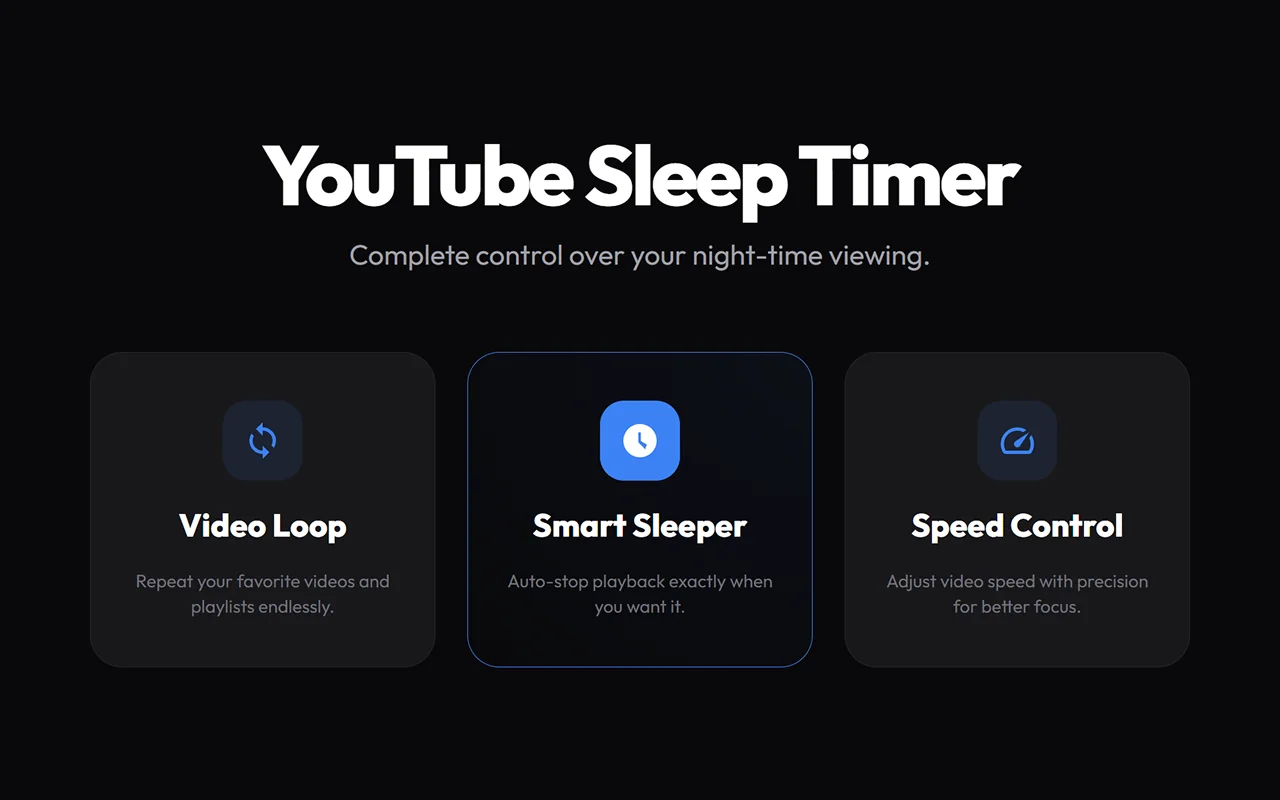
In the Chrome Web Store Pause YouTube after a set time, at a clock time or at the end of a video. Loop videos and set speed up to 16x.
10–60 min 0.1× → 16× youtube.com Three kinds of timer A countdown from 1 to 180 minutes, an exact time such as 23:30, or the end of the current video, which also turns off autoplay so the next one doesn’t start.Your own presets The six quick buttons start at 10, 15, 20, 30, 45 and 60 minutes, and you can change them to the durations you use.Loop any video Turn on loop to keep a song, a study mix or a tutorial playing on repeat.YouTube Sleep Timer, Loop & Speed Control
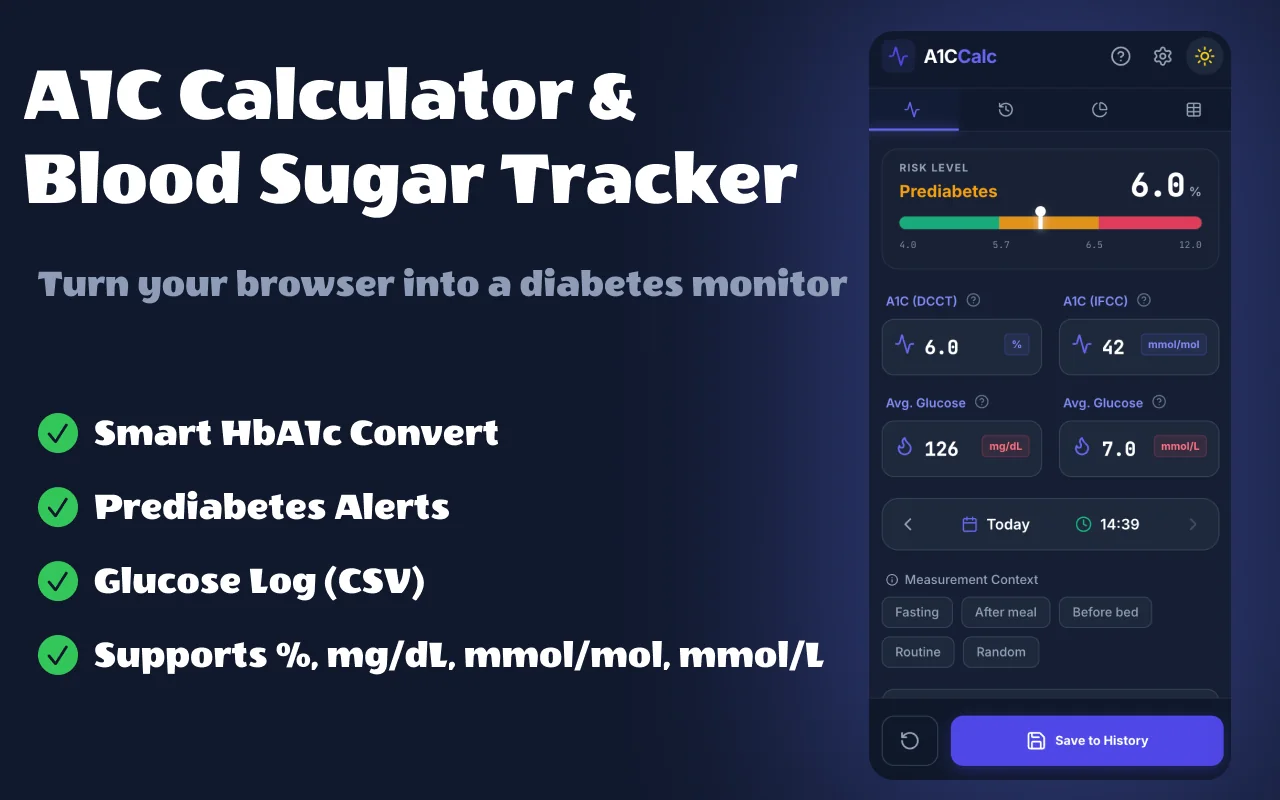
In the Chrome Web Store Convert A1C to average glucose in mg/dL or mmol/L, log your results, see trends and export CSV or PDF.
% ⇄ mmol/mol mg/dL ⇄ mmol/L CSV · PDF Four units, both ways A1C in % (DCCT) and mmol/mol (IFCC), average glucose in mg/dL and mmol/L.The ADAG formula Estimated average glucose (eAG) = 28.7 × A1C − 46.7 mg/dL, the relation from the ADAG study used by the American Diabetes Association.Range at a glance Below 5.7% is shown as normal, 5.7–6.4% as prediabetes and 6.5% or more as diabetes, the A1C ranges used by the ADA.A1C Calculator & Blood Sugar Log
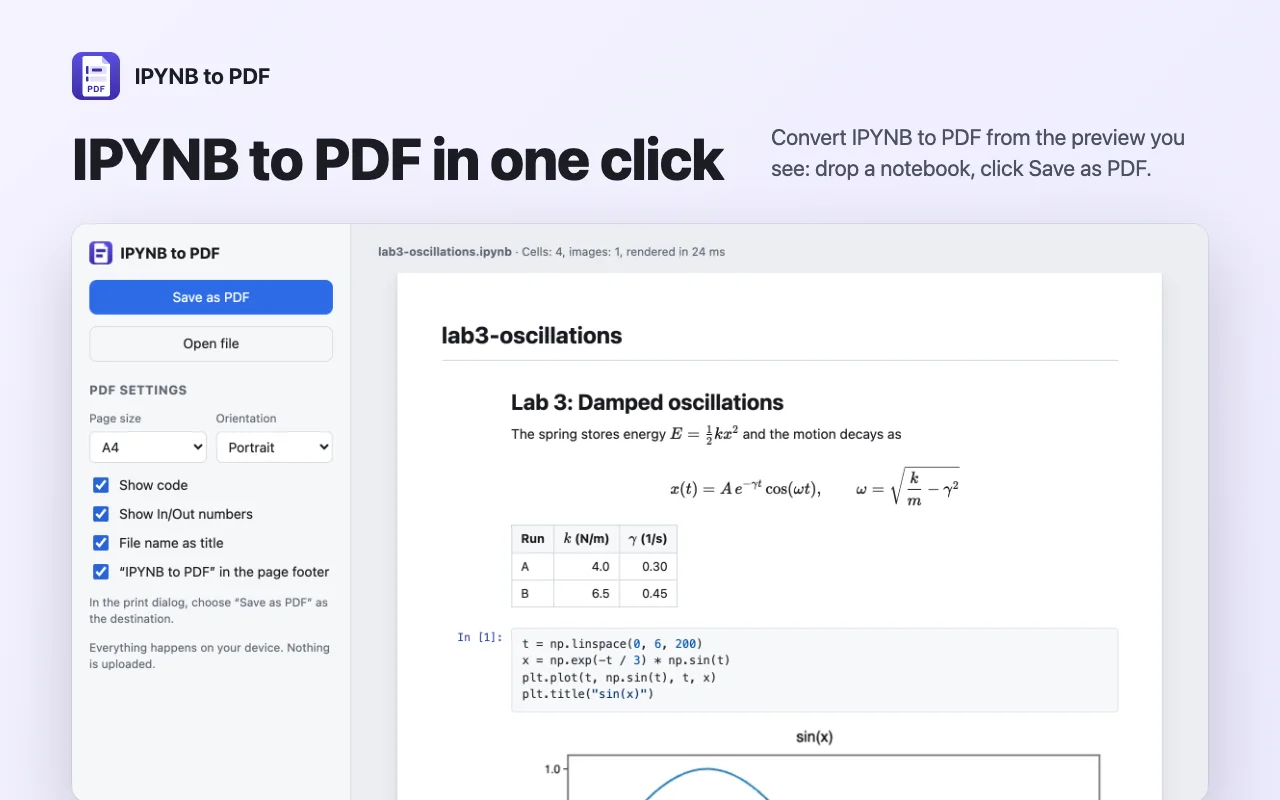
In the Chrome Web Store Turn Jupyter notebooks into clean PDFs with math, plots and code. No Python or LaTeX needed, nothing uploaded.
.ipynb → PDF LaTeX · Python · R A4 · Letter LaTeX math Inline and display formulas and align blocks are rendered as vector text, so they print sharp at any zoom.Code with colours Syntax highlighting for Python, R, Julia, SQL and many other languages, with In and Out numbers.Plots and tables PNG, JPEG and SVG figures, pandas DataFrame tables and LaTeX results.IPYNB to PDF
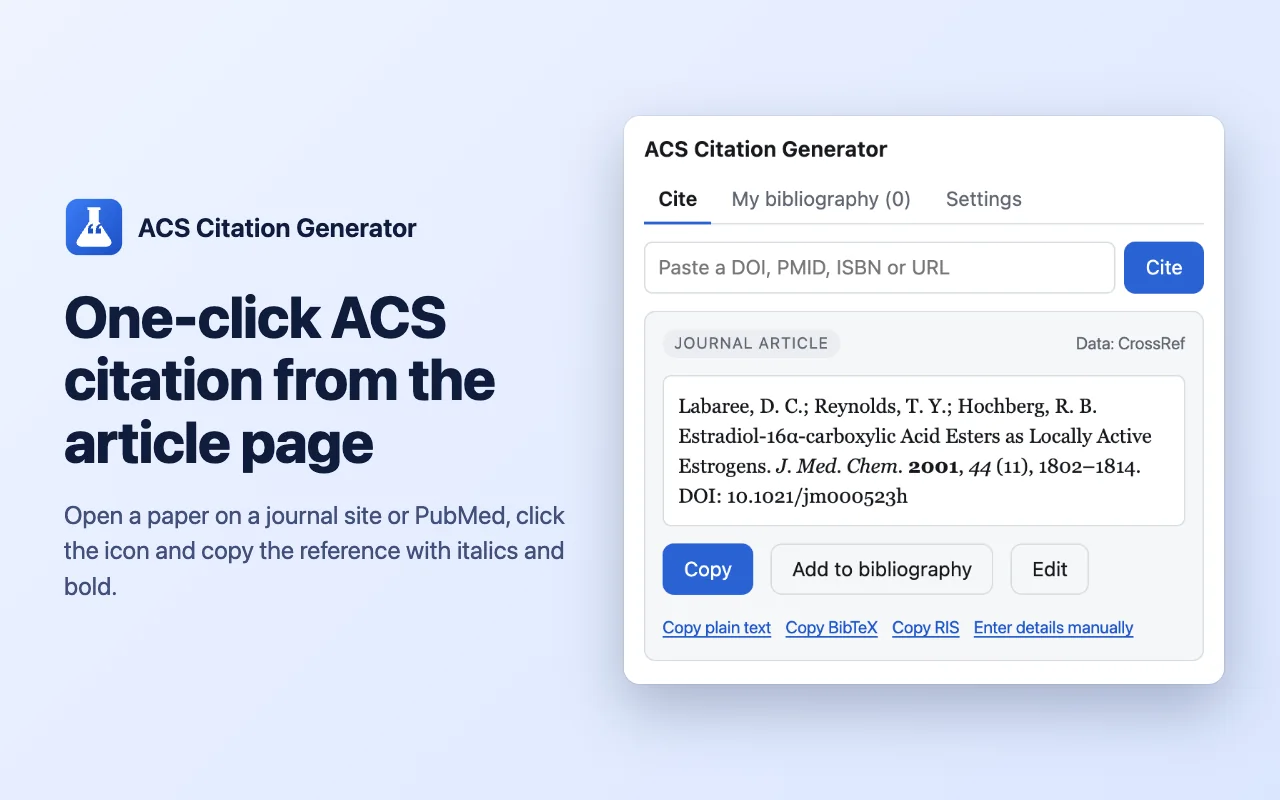
In the Chrome Web Store Cite journal articles in ACS style from the page or a DOI, PMID or ISBN. Build a bibliography, export BibTeX and RIS.
DOI · PMID · ISBN ACS BibTeX · RIS One-click cite Reads the citation data that journal pages publish, completes the DOI from CrossRef and formats it in ACS style.DOI, PMID or ISBN Paste an identifier instead: DOIs are looked up in CrossRef, PubMed IDs in PubMed, books in Open Library.Journal abbreviations Journal names are abbreviated the way chemistry journals expect.ACS Citation Generator
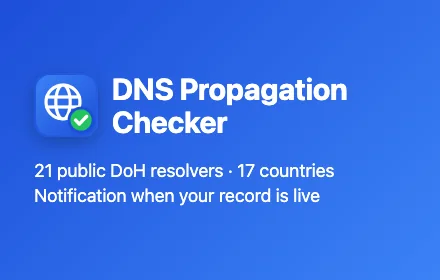
Coming soon Check DNS propagation across 21 public resolvers, get notified when a record is live, and test SPF, DKIM, DMARC and MX.
21 × DoH A · CNAME · MX · TXT SPF · DKIM · DMARC
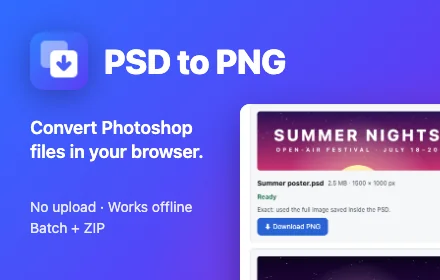
Coming soon Open Photoshop files without Photoshop and save them as PNG, JPG or PDF. Batch convert, works offline.
.psd · .psb PNG · JPG · PDF ZIP × 20
We also build extensions for you
How we build them
One clear job Each extension does one thing and opens straight to it. No dashboards, no upsell screens.
Your data stays with you Files, logs and settings are kept in your browser. Our extensions have no accounts and send nothing to us.
Free to use Every feature on these pages is free, with no sign-up.
Only the permissions they need Each extension asks only for what its job requires, and every product page explains why.
120,000+ people use our extensions11 extensions in the Chrome Web Store52 Chrome Web Store languages in every listing14 languages on this site0 accounts or sign-upsMV3 built on Manifest V3 About Tab & Tap Tab & Tap is a small independent team that publishes extensions on the Chrome Web Store. We read every review and fix what users report.
Questions, bugs or ideas: write to us at the address below, or leave a review on the extension's store page.
hello@tabandtap.com