 Coming soon
Convert PSD to PNG, JPG or PDF in your browser
Got a Photoshop file and no Photoshop? Drop the .psd on the converter page, see a preview and save it as an image a second later. The file never leaves your computer.
A free Chrome extension that opens Photoshop .psd and .psb files and converts them to PNG, JPG or PDF on your device. The extension is on its way to the Chrome Web Store. The install button appears here as soon as it is published.
- .psd · .psb
- PNG · JPG · PDF
- ZIP × 20
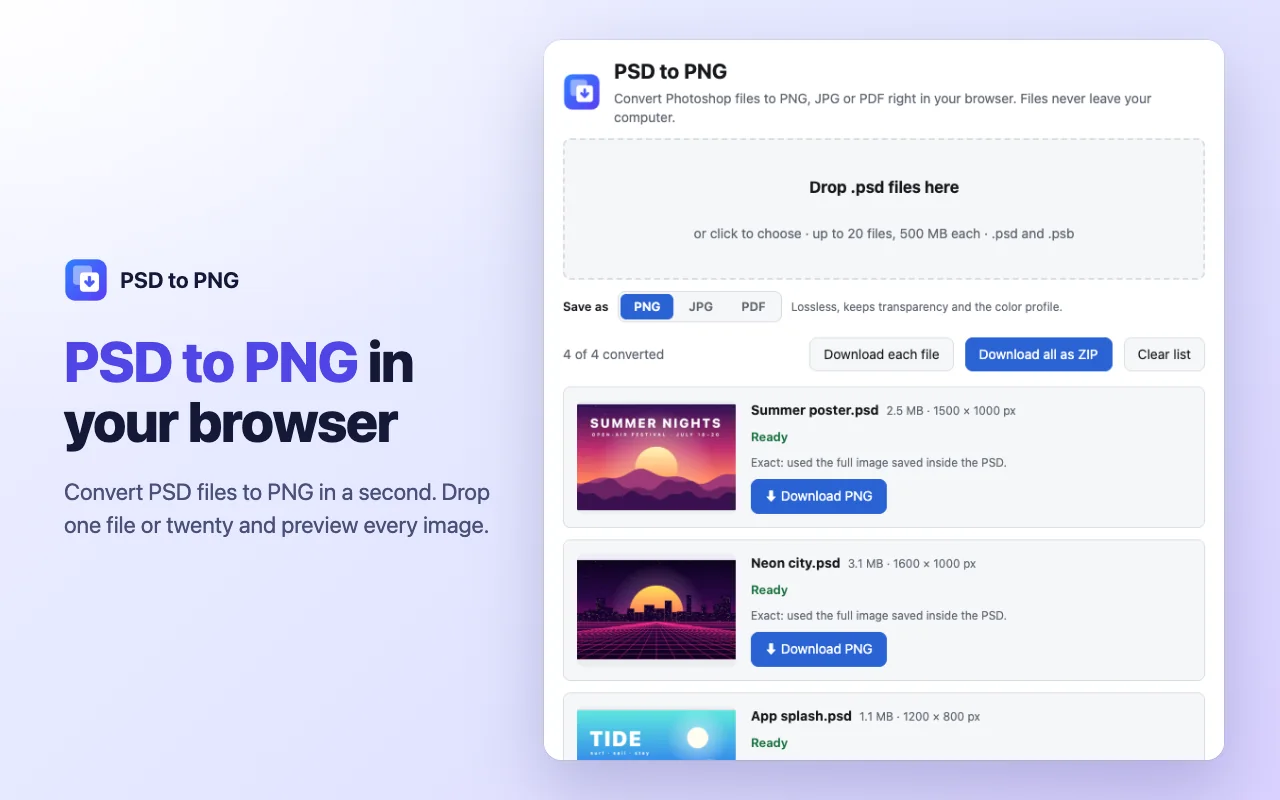
How to convert PSD to PNG
- Click the extension icon to open the converter page.
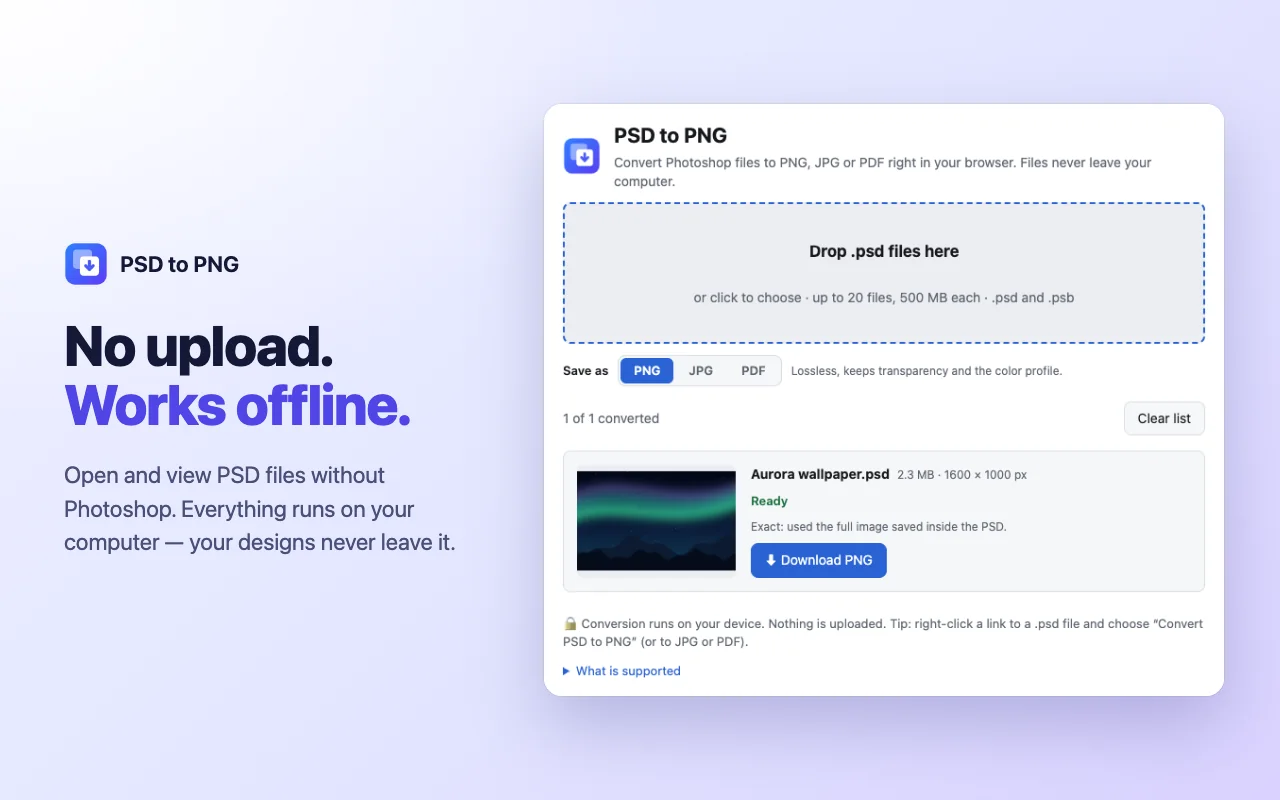
- Drag one or more .psd or .psb files onto it.
- Choose PNG, JPG or PDF under the drop zone.
- Download each file, or save the whole batch as one ZIP.
Why use it
PNG with transparency
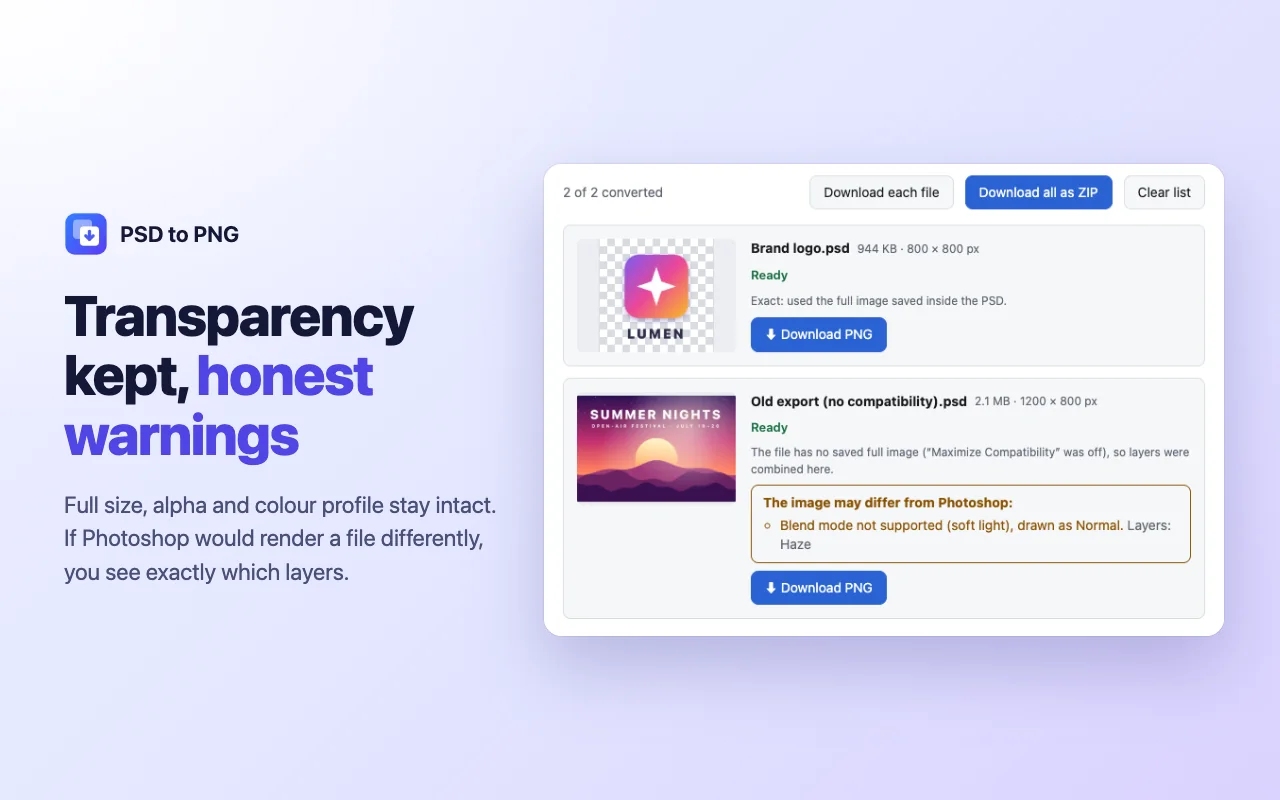
PNG keeps transparent areas, the original size and the colour profile of the design.
JPG and PDF too
JPG gives smaller files (transparency becomes white). PDF makes one page per design, ready to send for review.
A quick PSD viewer
Every file gets a preview on a checkerboard, so you can open a Photoshop file just to look at it.
Batch and ZIP
Up to 20 files at a time, up to 500 MB each, including large PSB documents. Each result is named after its source file.
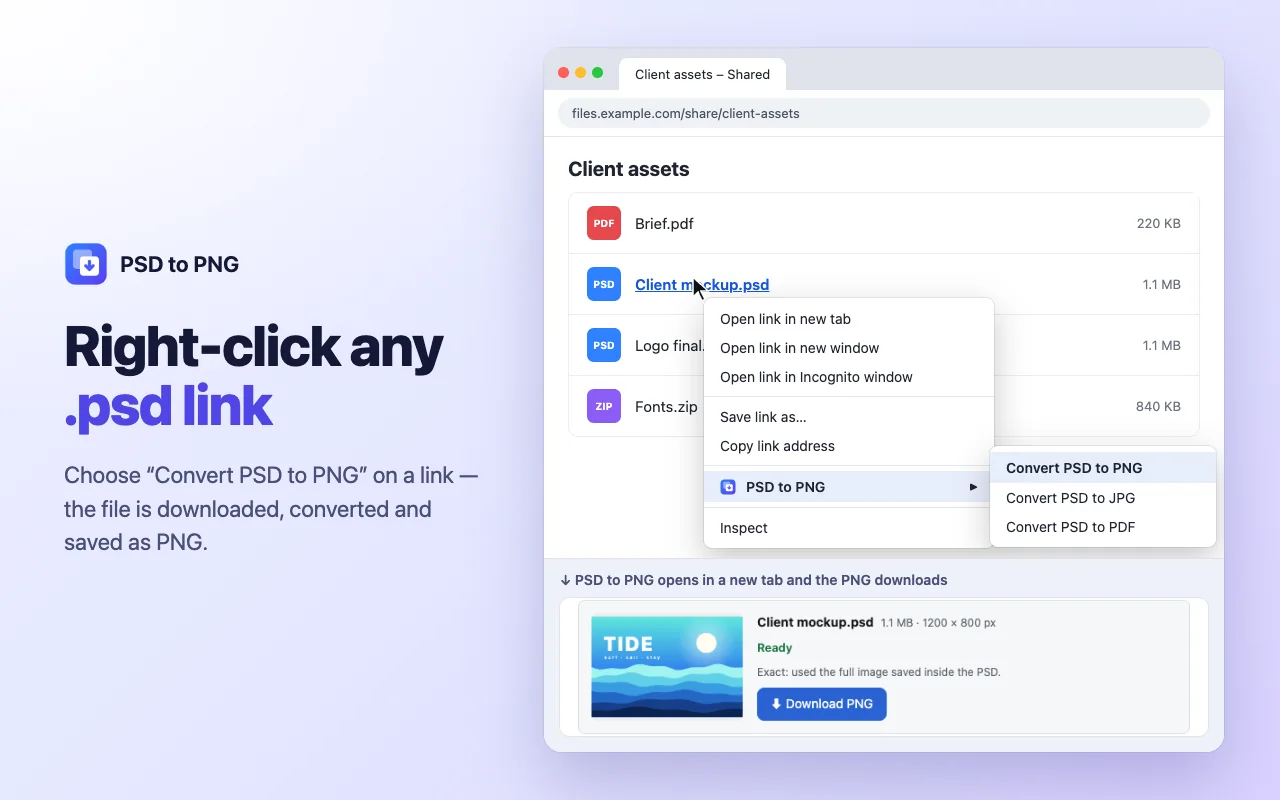
Right-click a .psd link
Choose Convert PSD to PNG, JPG or PDF on any link to a .psd file. The extension asks for access to that one site only at that moment.
Works offline
Conversion runs in the browser, so it works on a plane or behind a strict office network.
Screenshots
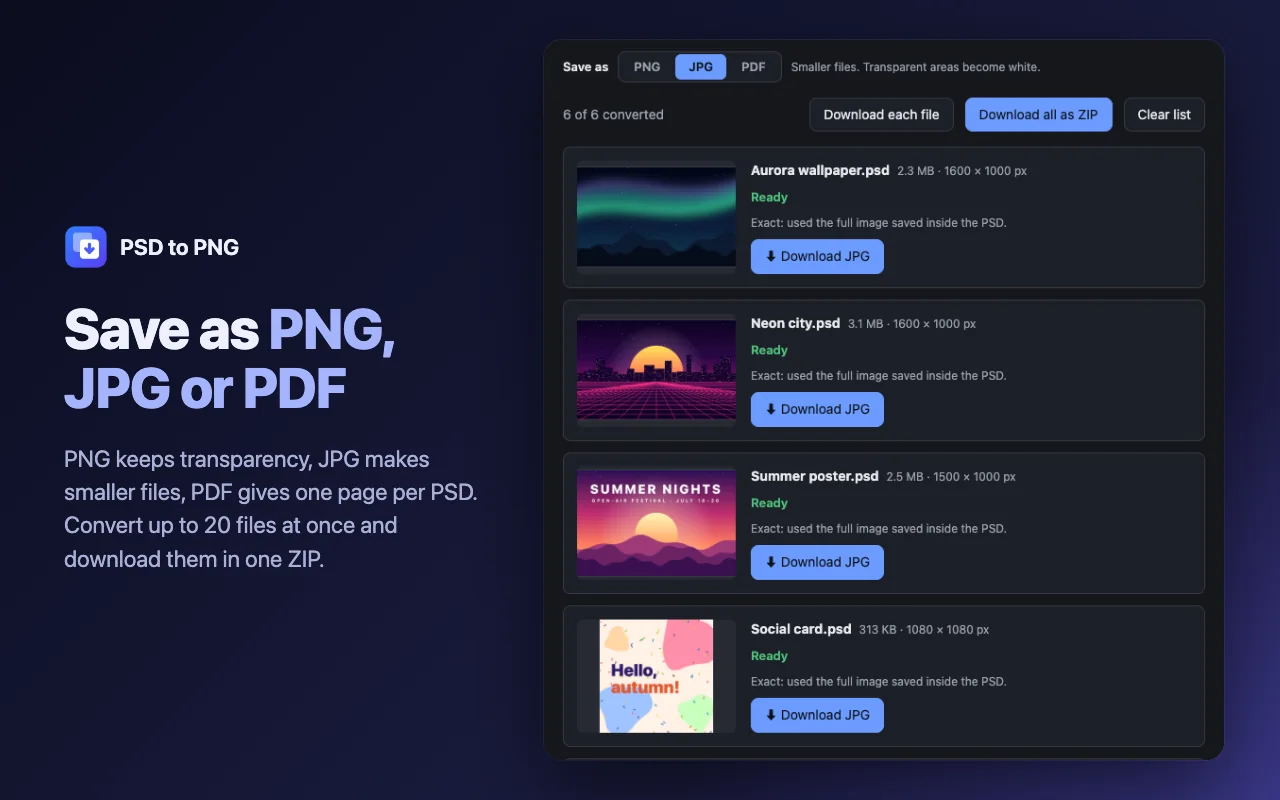
Your designs stay on your computer
Online converters upload your files to their servers. PSD to PNG reads the file in memory, converts it on your device and offers the result as a normal download. No uploads, no account, no analytics, no ads.
The only network request is the download of a .psd link that you right-click, after you allow it.
Questions and answers
Do I need Photoshop to open a PSD file?
No. The extension reads the Photoshop format itself, so you can view and convert a design without any Adobe software.
How accurate is the PNG?
Photoshop saves a full composite image inside the file when “Maximize Compatibility” is on, which is its default. PSD to PNG uses that image pixel for pixel. Without it, the extension combines the layers itself and warns you if layer styles, adjustment layers or vector masks may make the result differ.
Can I convert PSD to JPG?
Yes. Choose JPG under the drop zone. The choice is remembered for the next file.
Are my files uploaded?
No. Everything happens inside your browser on your computer, and files are gone from memory when you close the page.
Which files can it open?
Photoshop .psd and large .psb documents in RGB, grayscale, indexed and bitmap, 8 and 16 bit. CMYK and Lab are converted without colour profiles. Other formats are not supported.
Is it free?
Yes. PNG, JPG and PDF, batches and ZIP downloads are free, with no account.
PSD to PNG
A free Chrome extension that opens Photoshop .psd and .psb files and converts them to PNG, JPG or PDF on your device.
Not affiliated with Adobe. Photoshop is a trademark of Adobe Inc.