 In the Chrome Web Store
ACS Citation Generator for Chrome
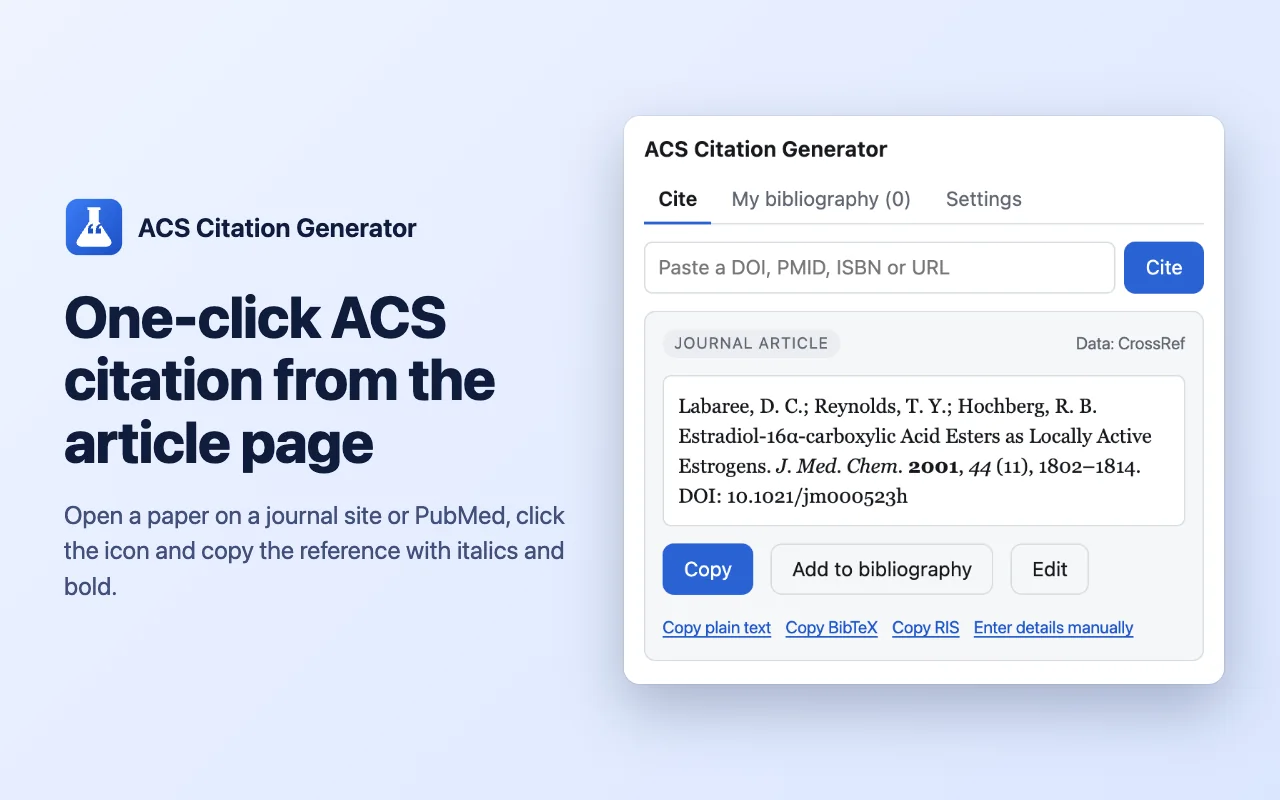
Open a paper, click the icon and copy a finished reference in American Chemical Society style, with the journal abbreviated and the italics and bold already in place.
A free Chrome extension that creates ACS style citations from article pages and from a DOI, PubMed ID or ISBN.
- DOI · PMID · ISBN
- ACS
- BibTeX · RIS
How to make an ACS citation
- Open a paper on a journal site or on PubMed.
- Click the extension icon in the toolbar.
- Check the reference and click Copy.
- Paste it into Word or Google Docs; italics and bold are kept.
Built for chemistry papers
One-click cite
Reads the citation data that journal pages publish, completes the DOI from CrossRef and formats it in ACS style.
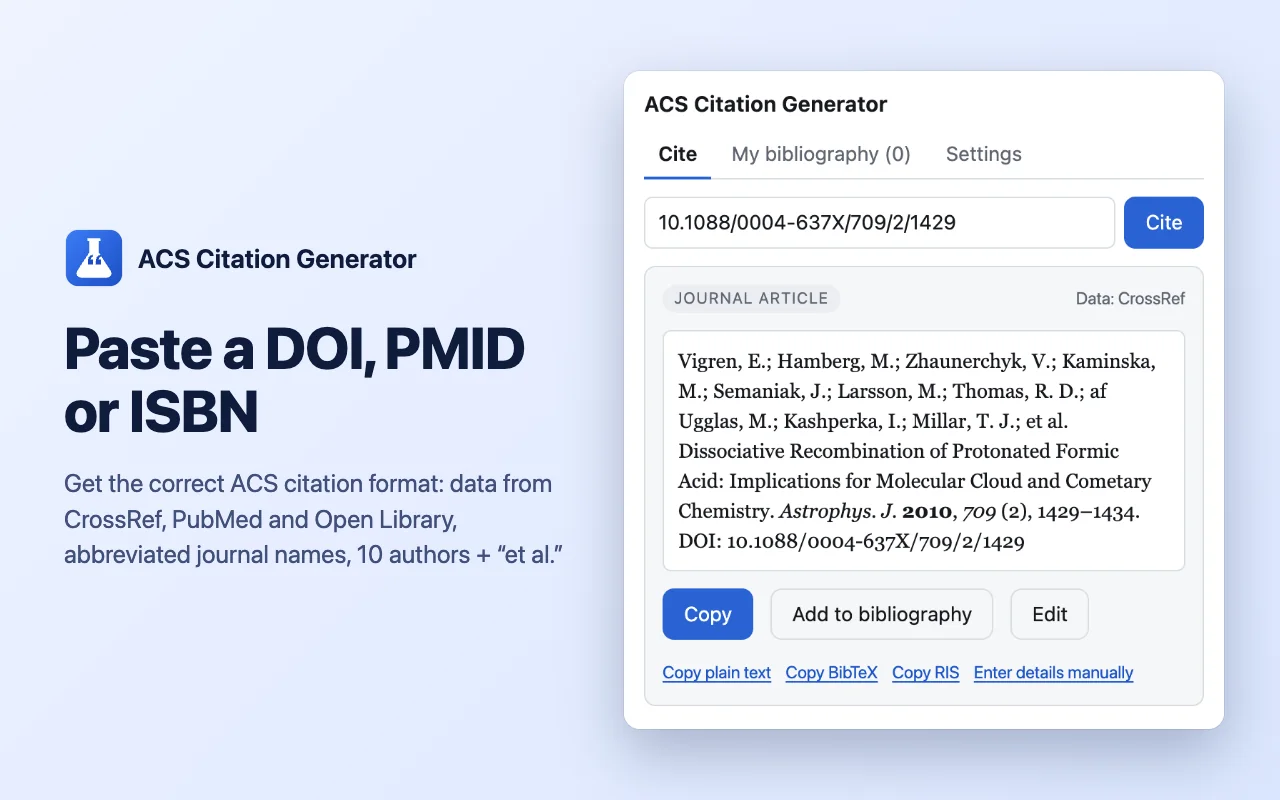
DOI, PMID or ISBN
Paste an identifier instead: DOIs are looked up in CrossRef, PubMed IDs in PubMed, books in Open Library.
Journal abbreviations
Journal names are abbreviated the way chemistry journals expect. Correct one once and your version is reused.
ACS rules applied
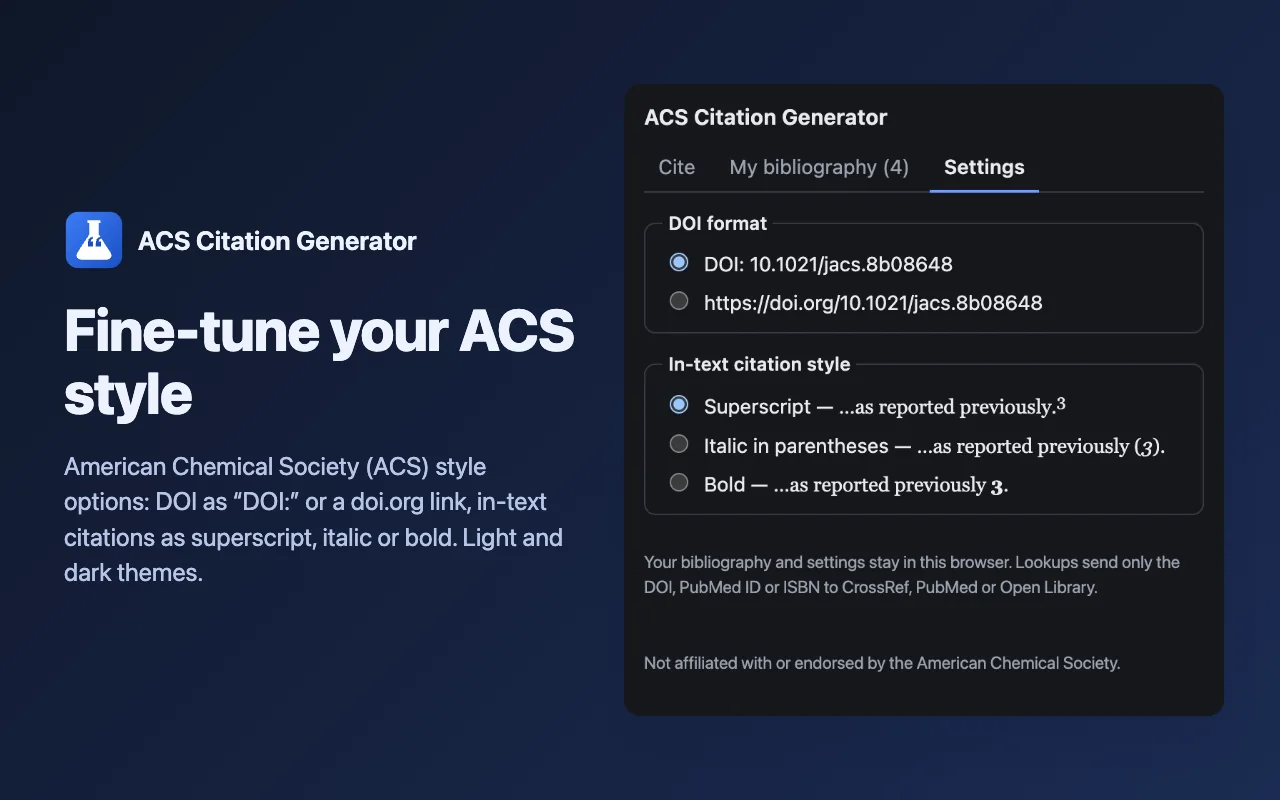
Initials with periods, authors separated by semicolons, the first 10 authors then et al., and the DOI as “DOI:” or a doi.org link.
Bibliography of 50 references
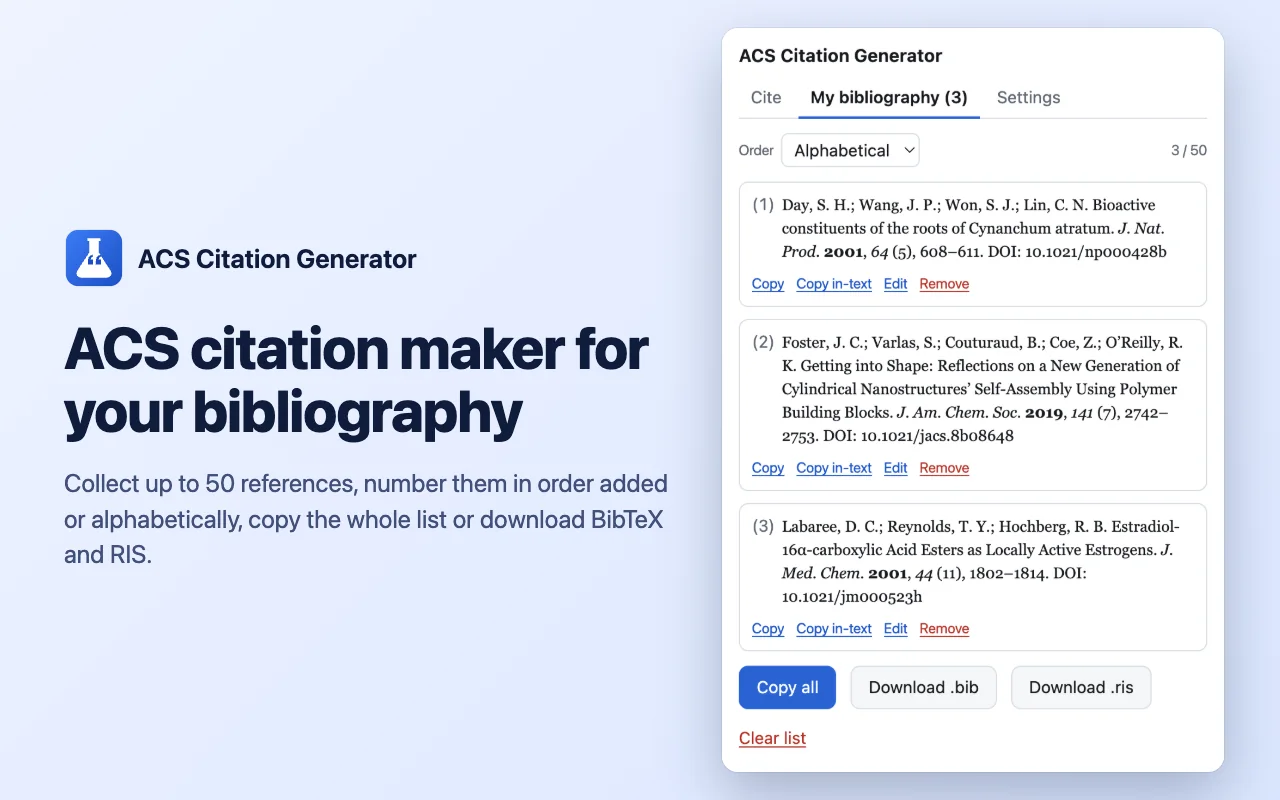
Number them in the order added or alphabetically, copy the numbered list, or download a BibTeX or RIS file.
In-text markers
Copy the in-text citation for any entry as a superscript, italic number in parentheses or bold number.
Screenshots
Your bibliography stays in your browser
References, settings and corrected abbreviations are saved only in your browser. The extension reads a page only when you click its icon.
A lookup sends only the DOI, PubMed ID or ISBN to the public service that holds the record. No tracking, no analytics, nothing sent to us.
Questions and answers
What does an ACS citation look like?
A journal article in ACS style: Author, A. B.; Author, C. D. Title of the Article. J. Abbr. Year, Volume, Pages. DOI. The extension builds this from the article page.
Which pages can it read?
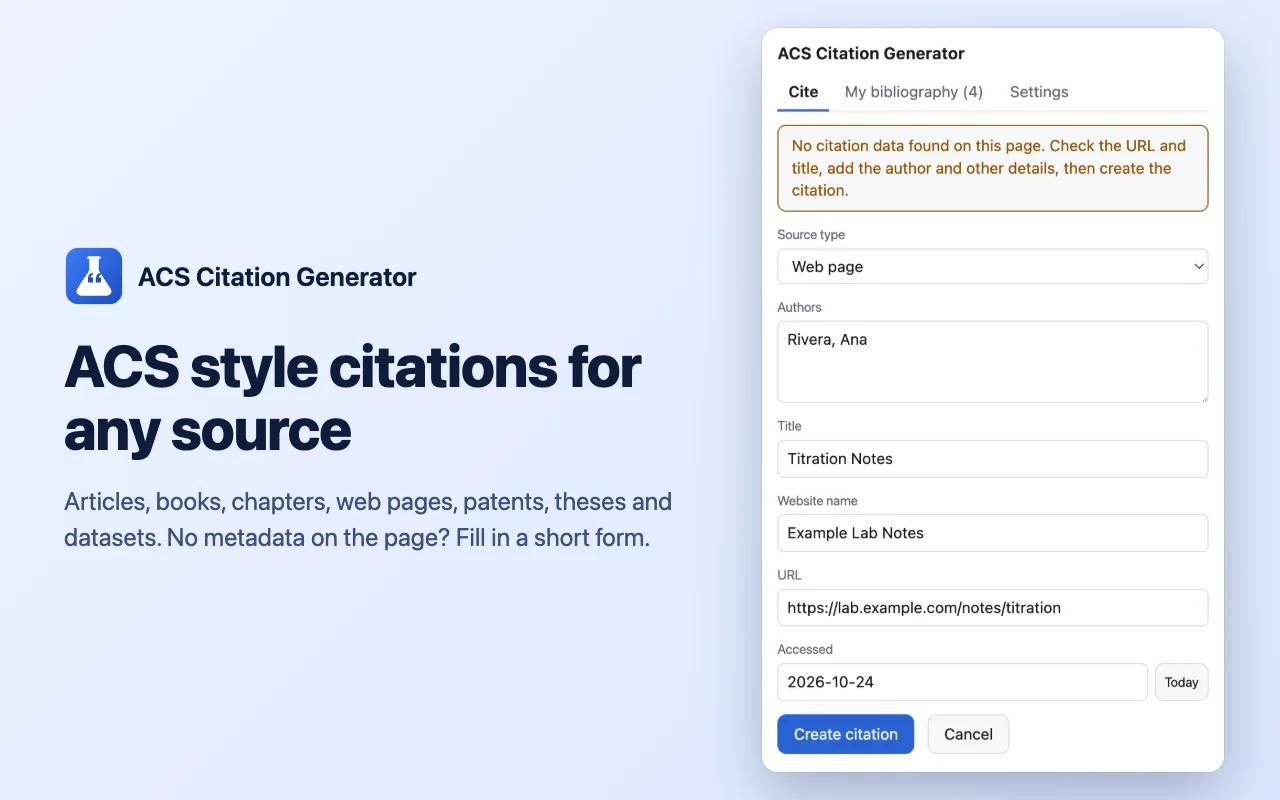
Article pages that publish standard bibliographic metadata, which most journal sites and PubMed do. If a page has none, the extension opens a short form with the URL and title filled in.
Can it cite books, web pages and patents?
Yes. Books by ISBN, chapters by DOI, and web pages, patents, theses and datasets through the manual form.
Does it support APA or MLA?
No. It writes ACS style only, the format used across chemistry journals.
Is it free?
Yes. References, the bibliography of up to 50 entries and BibTeX and RIS export are free, with no account.
Is this an official American Chemical Society tool?
No. It is an independent tool, not affiliated with or endorsed by the American Chemical Society.
ACS Citation Generator
A free Chrome extension that creates ACS style citations from article pages and from a DOI, PubMed ID or ISBN.
Not affiliated with or endorsed by the American Chemical Society.