 In the Chrome Web Store
Convert IPYNB to PDF in your browser
Turn a Jupyter notebook into a tidy PDF without nbconvert, LaTeX or a command line. Drop the .ipynb file, check the live preview and save. Formulas stay sharp and text stays selectable.
A free Chrome extension that converts Jupyter notebooks (.ipynb) to PDF on your device.
- .ipynb → PDF
- LaTeX · Python · R
- A4 · Letter
How to convert a notebook to PDF
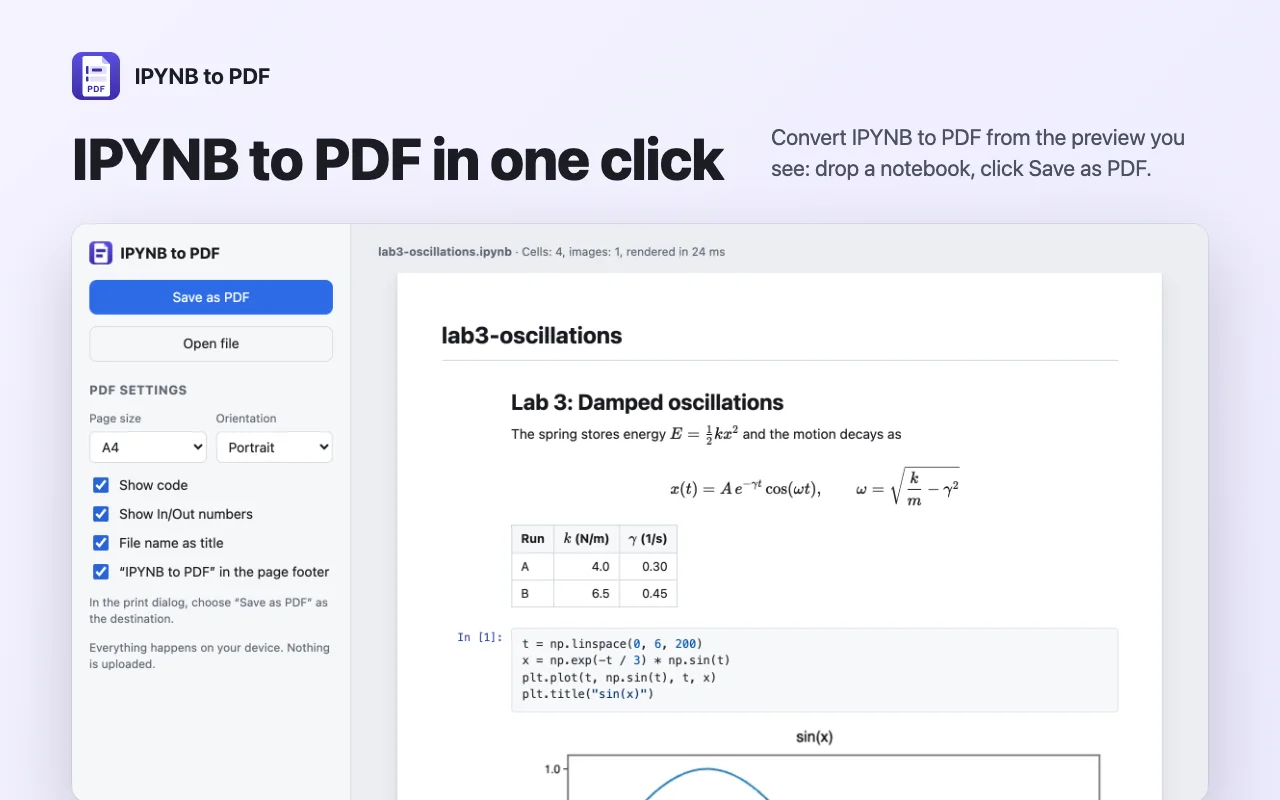
- Click the extension icon and open the converter.
- Drop a .ipynb file on the page, or pick it with Open file.
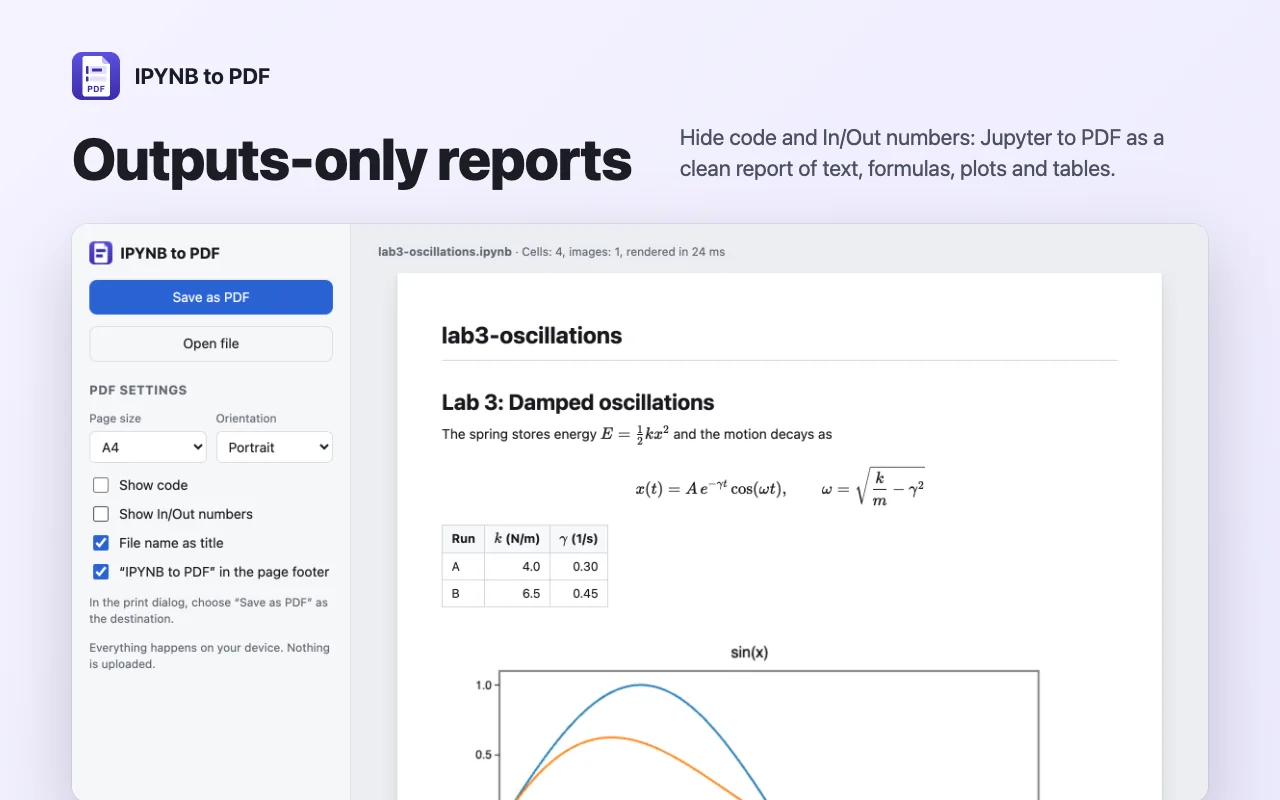
- Check the live preview and choose page size, orientation and whether to show code.
- Click Save as PDF and pick “Save as PDF” in Chrome’s print dialog.
What your PDF keeps
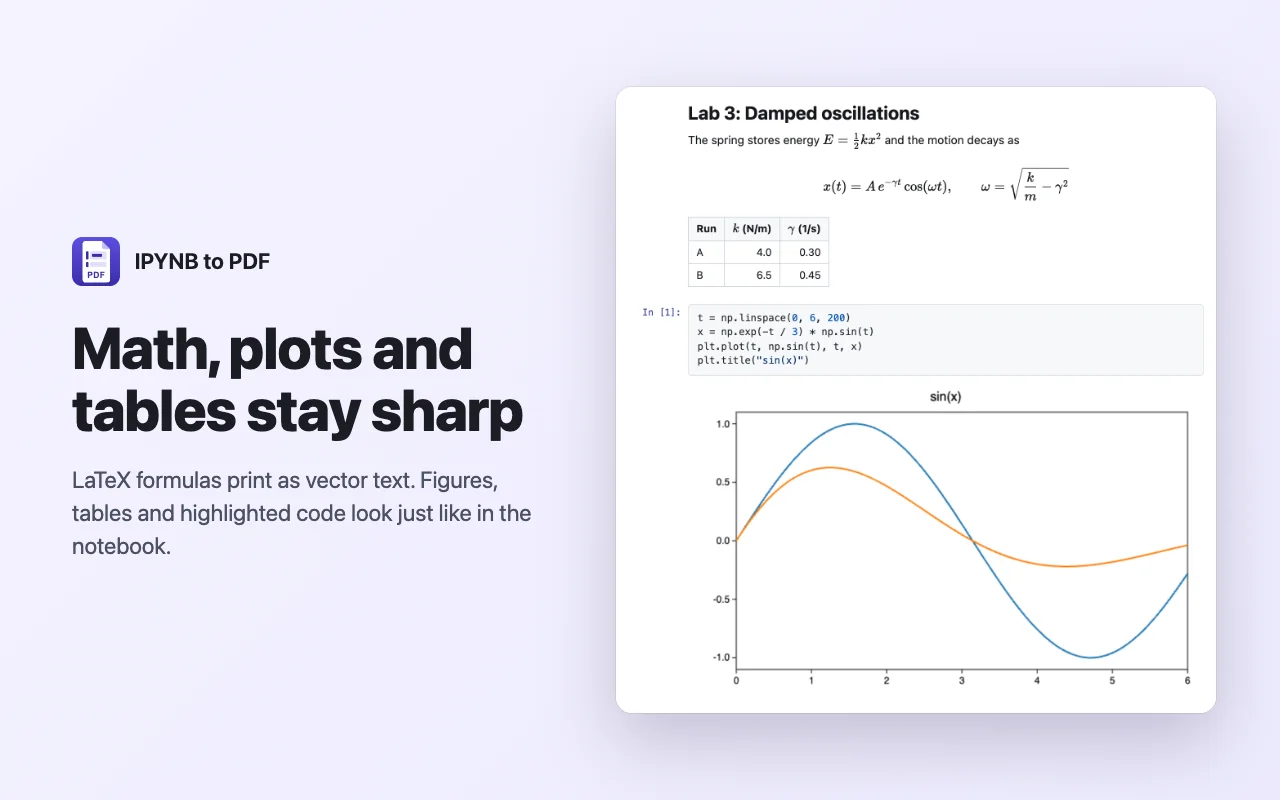
LaTeX math
Inline and display formulas and align blocks are rendered as vector text, so they print sharp at any zoom.
Code with colours
Syntax highlighting for Python, R, Julia, SQL and many other languages, with In and Out numbers.
Plots and tables
PNG, JPEG and SVG figures, pandas DataFrame tables and LaTeX results. Wide tables shrink to fit the page.
Reports without code
Hide code and In/Out numbers and the PDF reads like a finished report of text, formulas and figures.
One click on GitHub
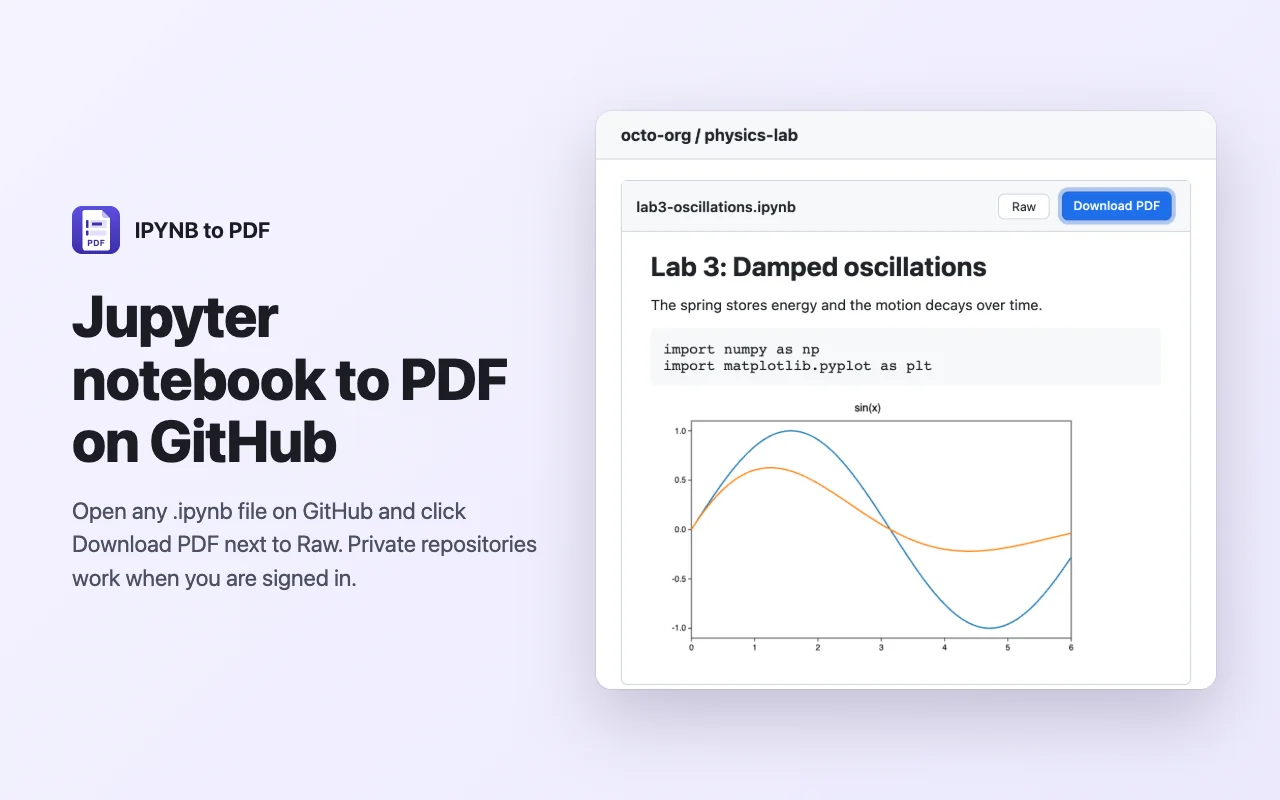
Open a .ipynb file on GitHub and a Download PDF button appears next to Raw. It opens the converter with that notebook.
Settings that stay
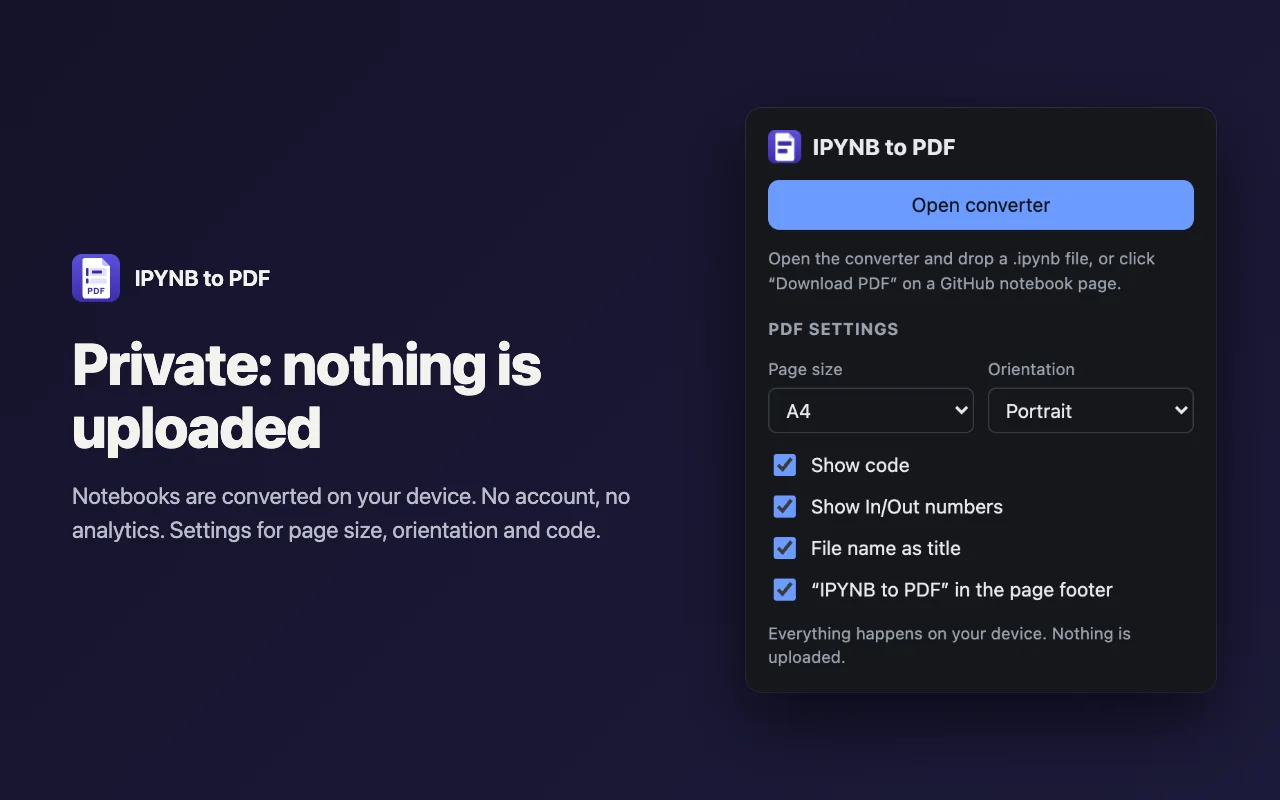
A4 or Letter, portrait or landscape, code on or off and the file name as title are remembered for next time.
Screenshots
Nothing is uploaded
The notebook is read and rendered on your device. There is no account, no analytics and no server of ours.
The only network request is the download of a GitHub notebook after you click its Download PDF button. Images linked from the web are not loaded.
Questions and answers
Do I need Python, Jupyter or LaTeX installed?
No. Everything the converter needs is inside the extension.
Why does a print dialog open?
Saving through Chrome’s print dialog gives real, selectable text and sharp formulas. Choose “Save as PDF” as the destination.
Can I convert a notebook from Google Colab or Kaggle?
Yes. Download the .ipynb file from that service, then drop it on the converter page.
Does it run my code?
No. Code is printed with the outputs saved in the notebook and is never executed.
What about interactive widgets?
A PDF cannot hold them. Widgets and charts without a static image show a short note instead.
Is IPYNB to PDF free?
Yes. It is free to use, with no account and no sign-up.
Help and support
IPYNB to PDF
A free Chrome extension that converts Jupyter notebooks (.ipynb) to PDF on your device.
IPYNB to PDF is independent and not affiliated with Project Jupyter or GitHub.